CH 03 · Controllers
Stick Drift Test
Leave each stick untouched for 5 seconds to measure its resting offset, then move it in a slow full circle to check circularity. Nothing leaves your device.
Stick drift test
Measures how far each stick rests from the centre with your hands off, then how round its full circle is. Press Start the test, press a button on the controller, and follow the three steps.
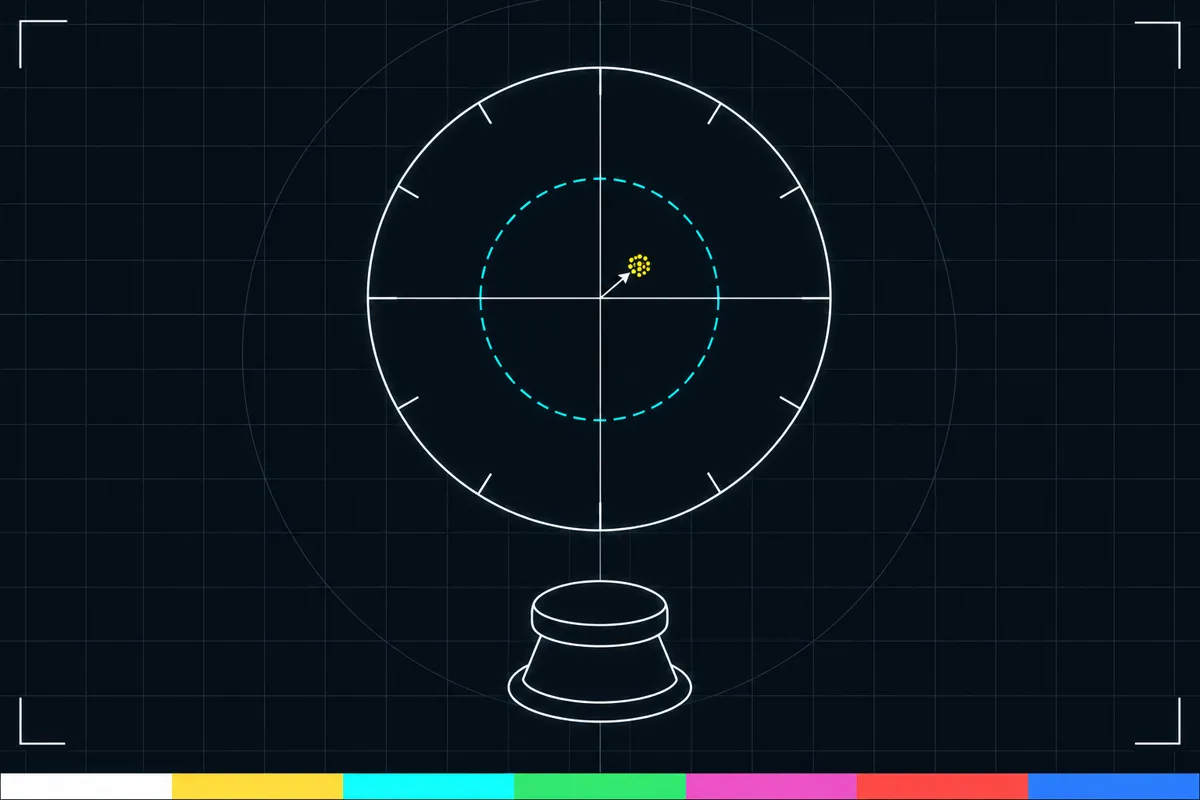
What the stick drift test checks
This stick drift test checks whether a controller stick rests away from its center when you are not touching it. Keep your hands off the stick during the 5-second rest measurement. The page reports a reading for each stick, so you can see whether one or both show an offset.
After the rest measurement, move the stick slowly through a full circle. The test measures circularity error by sector, which shows how the stick’s circular movement differs across parts of that circle. These readings describe the controller input measured by the page; they are not a hearing or health test.
What each reading means
The mean rest offset is the average distance the stick sits from its center during the hands-off measurement. The maximum rest offset is the largest distance recorded during that same period. Both are shown as a percentage of the stick’s full travel, so they describe the offset relative to the stick’s movement range.
Direction indicates which way the resting stick is offset from center. The suggested dead zone is based on the maximum rest offset plus a margin. A dead zone is an area around the center where small stick input is treated as centered; the suggested value is a guide based on this measurement, not a universal setting.
Circularity error is reported by sector after the slow full circle. It describes how the measured circle varies across its sections. The test also compares the result with default dead zones of common game engines where their documentation prints those values. The comparison gives context for the reading; it does not set a dead zone on your controller.
How to read the result
A nonzero rest offset means the page measured some movement away from the center while the stick was untouched. The maximum shows the largest offset seen, while the mean summarizes the rest period. Direction helps you see where the offset points.
Circularity error can differ from one sector to another, so check the individual sector readings rather than treating the circle as one value. A large-looking number alone does not explain the cause. Use the readings to identify whether the rest position, the circular movement, or both need attention.
What to do if the result looks wrong
If the rest offset is unexpected, repeat the hands-off measurement with the stick untouched. Make sure the stick can rest freely, then compare the mean, maximum, and direction readings. If the circle reading is unexpected, repeat the slow full-circle movement and look at which sectors show error.
If the readings still concern you or the stick behaves poorly in use, this page links to a stick drift fix guide. Open that guide for next steps. The test measures input; it does not repair the controller or change its settings.
Browser support
| Browser | Runs |
|---|---|
| Chrome and Edge on a computer | Yes |
| Firefox on a computer | Yes |
| Safari on a Mac | Yes |
| Safari on iPhone | PartlyNeeds a paired controller. |
| Safari on iPad | PartlyNeeds a paired controller. |
| Chrome on Android | PartlyNeeds a paired controller. |
| Samsung Internet | PartlyNeeds a paired controller. |
| Browsers inside apps | Yes |
Source: MDN browser-compat-data 8.1.8 · checked November 6, 2026
Questions
How long do I leave the stick alone?
Leave the stick untouched for 5 seconds during the rest measurement. The page uses that period to report the mean and maximum rest offset, along with its direction and suggested dead zone.
What does a high rest offset mean?
It means the test measured a greater distance between the stick’s resting position and center, relative to its full travel.
What is the suggested dead zone based on?
It is based on the maximum rest offset plus a margin. The suggested value is a guide from the test measurement.
Why does the test ask me to move the stick in a circle?
A slow full circle lets the page measure circularity error by sector. The sector readings show where the measured movement differs around the circle.
Does this test change my controller settings?
No. The page measures the stick’s resting offset and circular movement. It reports a suggested dead zone but does not apply that setting to your controller.
What should I do if the stick shows drift?
Repeat the hands-off measurement to check the rest readings. If the result still concerns you, use the stick drift fix guide linked from the page for next steps.