CH 04 · Screen
Screen Test
Use this screen test to check patterns for uniformity, gradients, black and white detail, sharpness and viewing angle. The page also reports display details from your browser. Open the test and view each pattern on your screen.
Eight patterns drawn by this page, each for one job: even brightness, banding, black and white detail, gamma, sharpness and viewing angle. Pick where to start and press Start, then step through with a tap, Space or the arrow keys. Below are the values your browser reports about this screen.
The readings appear once the page has loaded.
Patterns
Tap a pattern to start there. The small pictures are previews: the real patterns are drawn pixel for pixel at full size.
The Demo runs the test in a window on this page instead of full screen, with sample values where a device would be read. Its result is labelled Demo and is never yours.
What this screen test checks
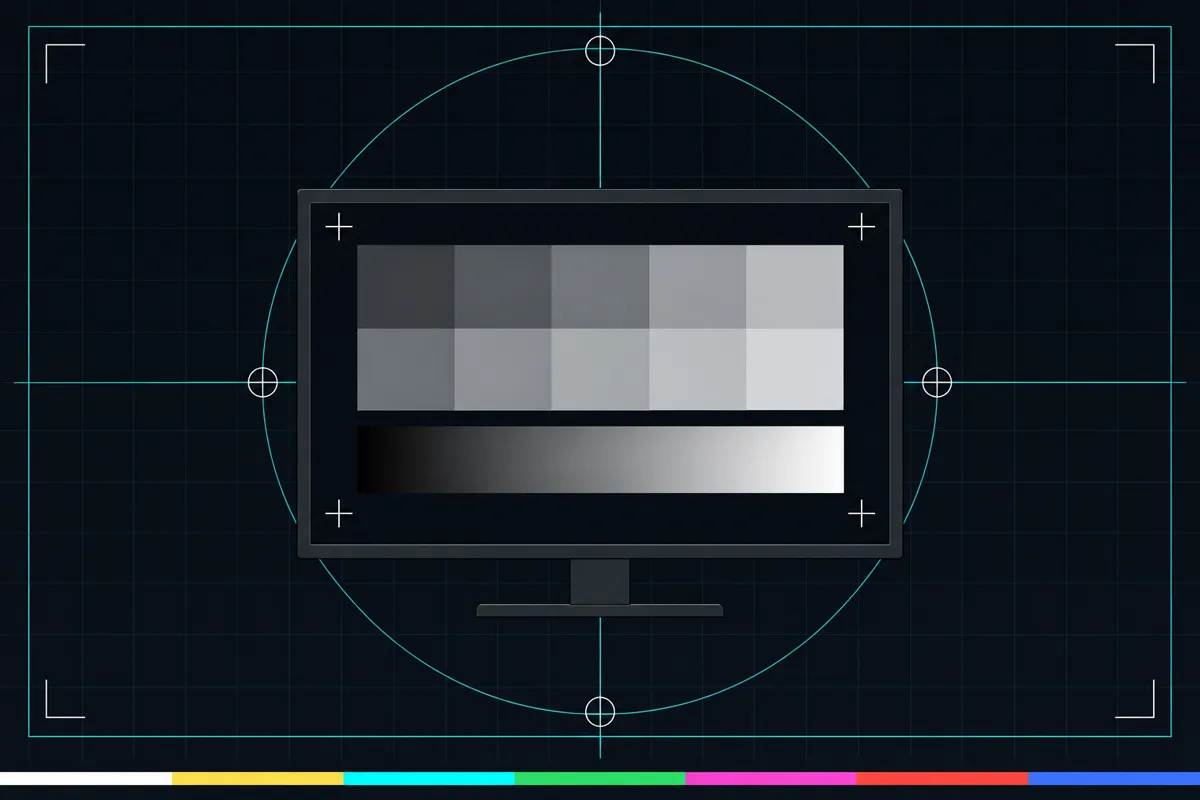
This monitor test draws its patterns on the page. It checks several parts of how your display shows an image, from large areas of colour to fine lines and text. The results can help you spot visible differences across the screen or details that are hard to see.
Grey uniformity fields show whether a grey area looks even across the display. Gradients move through shades smoothly, while stepped gradients make bands easier to notice. These patterns help you check for uneven areas or abrupt changes in shade.
Read each pattern and display detail
Black-level steps show dark shades next to one another, and white-saturation steps do the same with bright shades. Check whether you can distinguish the nearby shades. Gamma checkerboards show alternating light and dark patterns. Their appearance helps you compare how mid-range tones are displayed.
One-pixel lines and text check sharpness. Look at whether fine lines and small text appear clear or blurred. The viewing-angle field lets you see how the pattern looks when viewed from a different angle; a change in appearance can point to a difference in what the display shows off-centre.
The browser readouts describe the display as the page can see it. CSS and device pixels report resolution in two kinds of pixels, and pixel ratio relates those pixel counts. Colour gamut describes the range of colours reported by the browser. HDR is also reported as a browser status. These values are not visual scores, and the page does not provide a good-range threshold.
When a result looks wrong
If a field looks uneven, a gradient has obvious bands, or nearby dark or bright steps blend together, the screen may not show those shades distinctly. Blurred fine lines or text may mean the pattern is not being displayed sharply. A pattern that changes when you look from an angle shows that its appearance depends on viewing position.
Check whether the same pattern looks different elsewhere on the screen, or when you change your viewing position. The pattern test shows what is visible on the current display, while the browser readouts show details the browser reports.
What the test can and cannot tell you
This is a screen test, LCD test and monitor test made of patterns drawn by the page's own code. It checks appearance and reports selected display details.
The patterns let you inspect uniformity, banding, black and white levels, sharpness and viewing angle. The readouts cover resolution, pixel ratio, colour gamut and HDR as reported by the browser. They can help you describe the display, but they do not explain every cause of a visual issue.
Browser support
| Browser | Runs |
|---|---|
| Chrome and Edge on a computer | Yes |
| Firefox on a computer | Yes |
| Safari on a Mac | Yes |
| Safari on iPhone | PartlyNo full screen on iPhone: the test fills the window instead. |
| Safari on iPad | Yes |
| Chrome on Android | Yes |
| Samsung Internet | Yes |
| Browsers inside apps | Yes |
Source: MDN browser-compat-data 8.1.8 · checked November 6, 2026
Questions
What does a screen test check?
This test shows grey uniformity fields, smooth and stepped gradients, black and white level steps, gamma checkerboards, fine lines, text and a viewing-angle field. It also reports display details that the browser provides, including resolution, pixel ratio, colour gamut and HDR.
How do I check for banding on my monitor?
Look at the smooth and stepped gradients in the test. The patterns are designed to make changes between shades visible. Notice whether you see abrupt bands instead of a gradual change; the page does not set a pass threshold.
Why do black or white steps blend together?
The test places dark shades or bright shades next to each other so you can check whether you can tell them apart. If nearby steps blend, the display may not be showing those shades distinctly in this pattern. This observation alone does not identify the cause.
What does pixel ratio mean in this monitor test?
The browser reports CSS pixels and device pixels, along with a pixel ratio that relates the two pixel counts. These are display details, not a score for image quality. The page does not provide a target value to compare against.
Does this test check HDR and colour gamut?
Yes. It reports colour gamut and HDR status from the browser. These are browser readouts, while the patterns let you inspect the display's visible appearance.
Is this a hearing or health test?
No. It is a visual display test for patterns and browser-reported screen details. It does not assess hearing or health.