CH 03 · Controllers
PS4 controller tester
Check a DualShock 4 you use with a PC or are buying second-hand. Connect it by USB or Bluetooth, then press buttons and move the sticks. Nothing leaves your device.
DualShock 4 wireless controller (PS4) tester
Shows every button, trigger and stick of a controller live. Press Start the test, then press any button on the controller: browsers hide a controller from a page until a button is pressed.
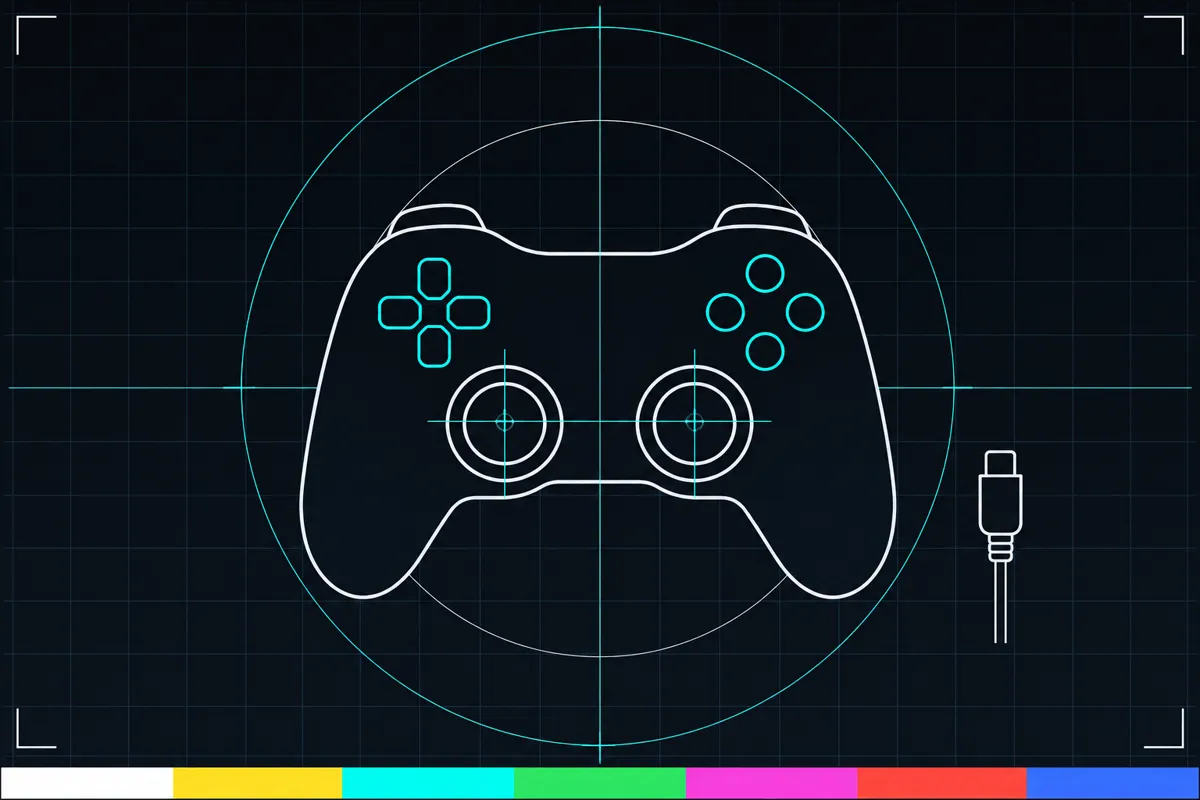
What the DualShock 4 test checks
The tester uses the DualShock 4 button layout and labels. Press Cross, Circle, Square, Triangle, L1, R1, L2 or R2 to see whether the browser reports each input. It also checks SHARE, OPTIONS, the PS button and the directional buttons.
Move each stick to check its direction, then press it to check L3 or R3. The tester can also check vibration because this controller has vibration motors. Seeing a response means the browser is reporting that input; it does not tell you whether every game will handle the controller the same way.
What each reading means
A button that changes state when pressed is being reported by the browser. If it stays inactive, the browser has not reported that press. A stick reading follows the stick's movement, and an L2 or R2 reading shows the trigger input the browser reports.
The test uses browser button mapping, so the labels shown describe how the browser maps the controller. The touch pad has a button, but the browser does not report that button here. The controller also has a light bar and motion sensors, but this test does not show readings for them. A missing reading means this page cannot see that input, not that the related part is broken.
When a reading looks wrong
If a button or stick does not respond, first check that the controller is connected by USB or Bluetooth and that the page can see it. Press the control again and watch whether its reading changes. If only one input is missing, the issue may be with that control or with how the browser reports it.
If the controller does not connect or its inputs remain unavailable, the page links to a controller connection fix guide. Use that guide for next steps. A test result alone cannot confirm whether a used controller is in good condition.
Checking a used controller before buying
Try every listed button, both sticks, and both triggers. Check SHARE and OPTIONS as well as the PS button, since those labels can help you confirm the layout is being reported as expected. Test vibration if the page offers that check.
The touch pad button is not reported, so this page cannot confirm that it works. It also does not show the light bar or motion sensor readings. Treat those as unverified by this test and check them separately if they matter to you.
Browser support
| Browser | Runs |
|---|---|
| Chrome and Edge on a computer | Yes |
| Firefox on a computer | PartlyNo controller vibration. |
| Safari on a Mac | Yes |
| Safari on iPhone | PartlyNo controller vibration. Needs a paired controller. |
| Safari on iPad | PartlyNo controller vibration. Needs a paired controller. |
| Chrome on Android | PartlyNeeds a paired controller. |
| Samsung Internet | PartlyNeeds a paired controller. |
| Browsers inside apps | PartlyNo controller vibration. |
Source: MDN browser-compat-data 8.1.8 · checked November 6, 2026
Questions
Can I use this PS4 controller tester with a DualShock 4 on a PC?
Yes. Connect the controller to the device running the page by USB or Bluetooth. The tester can show the inputs that the browser reports.
Why does the touch pad button not show a reading?
The browser does not report the DualShock 4 touch pad button to this tester. A missing reading here cannot confirm whether the button itself works.
Can this test check the DualShock 4 light bar?
No light bar reading is shown. The page checks the button and stick inputs it can receive, along with vibration.
Does the tester check motion sensors?
The DualShock 4 has motion sensors, but this tester does not show motion sensor readings. You will need another way to check them.
What does a missing button response mean?
It means the page did not receive or show that input. Check the connection and try again; if it still does not respond, use the linked controller connection fix guide.
Is this a hearing test?
No. This page checks controller inputs and vibration. It does not test hearing or assess health.