CH 05 · Input and sensors
Ghost Touch Test
Put your device down and start the hands-off test. It records every touch that happens while nobody is touching the screen, with its place and time. Nothing leaves your device.
Want to see what a recording looks like? Watch the test run on simulated phantom touches.
Press Start, then put the device down on a table and do not touch the screen. Every touch that arrives is a touch you did not make. Recording starts three seconds after you press Start.
- Touches nobody made
- 0
- Recorded
- 0:00.0
- First one at
- –
- Rate
- –
- Share in the busiest spot
- –
A ghost touch is a touch event that arrives while nobody touches the screen. A short run can miss them, because they come and go with temperature, charging, moisture and the case. Run it for ten minutes or more, once on charge and once off. If you brushed the screen, a touch is logged all the same; start again. Keep the screen on: the page asks the browser to keep it awake where it can. Show the log and the heat map to a repair shop.
What this test checks
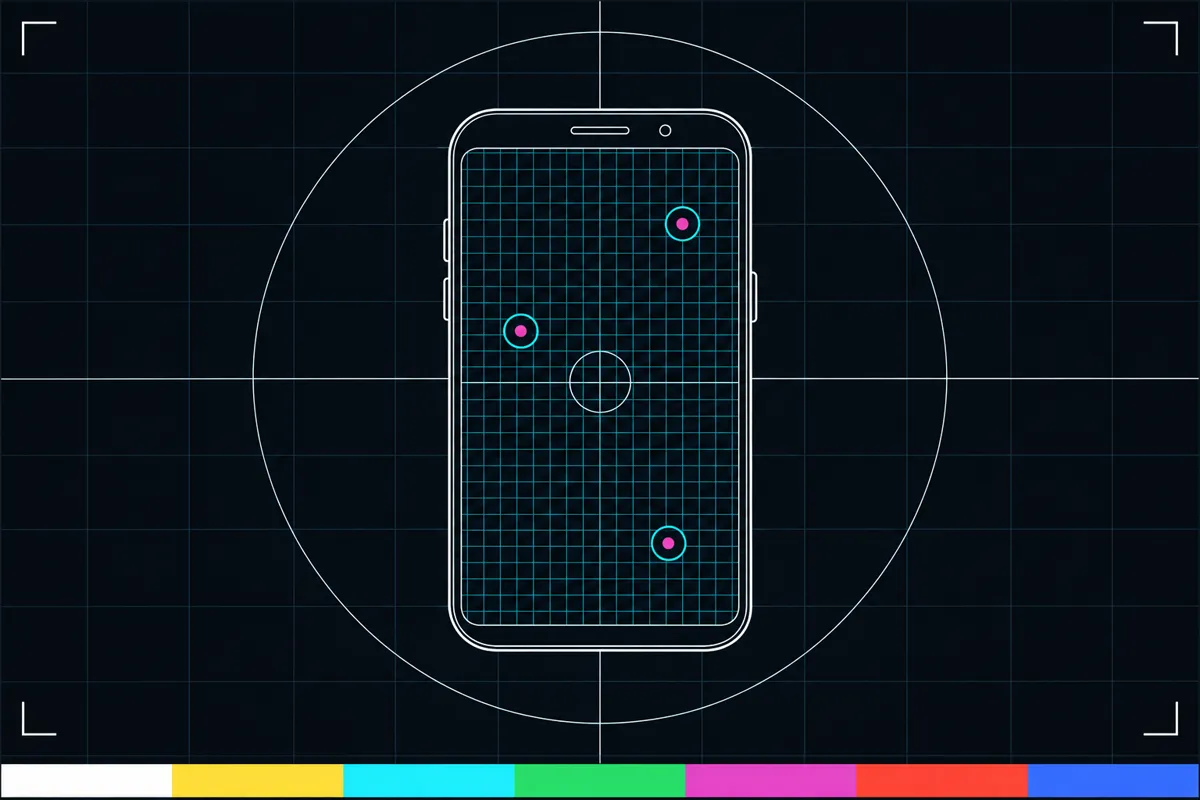
Ghost touch, also called phantom touch, is when a screen registers a touch that nobody made. This test gives you a way to check for those unexpected touches while your device sits untouched.
Place the device on a steady surface, keep your hands away from the screen, and let the test run. Every touch it logs during hands-off mode is recorded with where and when it happened. A heat map shows the places where touches occurred.
How to read the results
A touch entry means the screen registered a touch at the recorded place and time while the device was in hands-off mode. The heat map gives a visual view of where those entries happened. Together, the log and map can help you see whether touches repeat in one area or appear in different places.
No logged touches means the test did not record an unexpected touch during that run. It does not show what happens at other times, so a result can vary if the issue comes and goes. There is no pass or fail score in this test; use the recorded events and their locations to describe what you saw.
When unexpected touches appear
If the test records touches while nobody is near the screen, the device registered input during the hands-off run. The log shows when each event happened, and the heat map shows its location. Repeated entries can give a repair shop a clearer picture of the problem.
Check that nobody touched or brushed the screen during the run, then repeat the hands-off test if you are unsure. If unexpected touches keep appearing, you can show the log and heat map to a repair shop.
Getting a useful hands-off run
Set the device down so the screen can stay untouched for the whole run. Keep your fingers away from it while the test records events; even one accidental touch can appear in the log and affect the heat map.
Use the place and time details to explain what happened, rather than treating the map as a diagnosis. The test records screen touches during this run. It does not tell you why they happened or whether the same thing will happen later.
Browser support
| Browser | Runs |
|---|---|
| Chrome and Edge on a computer | PartlyNeeds a touch screen. |
| Firefox on a computer | PartlyNeeds a touch screen. |
| Safari on a Mac | NoMacs have no touch screen. |
| Safari on iPhone | Yes |
| Safari on iPad | Yes |
| Chrome on Android | Yes |
| Samsung Internet | Yes |
| Browsers inside apps | Yes |
Source: MDN browser-compat-data 8.1.8 · checked November 6, 2026
Questions
What is ghost touch?
Ghost touch is an unexpected screen touch that nobody made. People also call it phantom touch. This test records such events when the device is left untouched.
How does the ghost touch test work?
The test puts its touch canvas into hands-off mode and logs every touch event with its place and time. It also builds a heat map of where those touches happen. Keep the screen untouched while it runs.
What does it mean if the test finds touches?
It means the screen registered touch events during the hands-off run. Check that you did not touch the screen by mistake, then repeat the run if needed. If the events continue, the log and map can help you explain the issue to a repair shop.
Does no result mean my screen is fine?
No logged touches means the test recorded none during that run. It cannot tell you what happens at another time, especially if the issue comes and goes. Repeat the test when you notice the problem.
Can I use this result at a repair shop?
Yes. The hands-off recorder saves each unexpected touch with its place and time, and the heat map shows where touches occurred. You can show these details to help describe what you observed.
Is this a hearing test?
No. This test checks for unexpected touches on a device screen. It does not test hearing or measure health.