CH 03 · Controllers
Controller Vibration Test
This test checks controller vibration by running each motor with strength and length controls. Connect a controller, then start the test. Nothing leaves your device.
Controller vibration test
Sends vibration commands to each motor of a controller, and you say whether you felt them: the browser cannot sense the motor itself. Press Start the test, press a button on the controller, then use the buttons that appear.
What the test checks
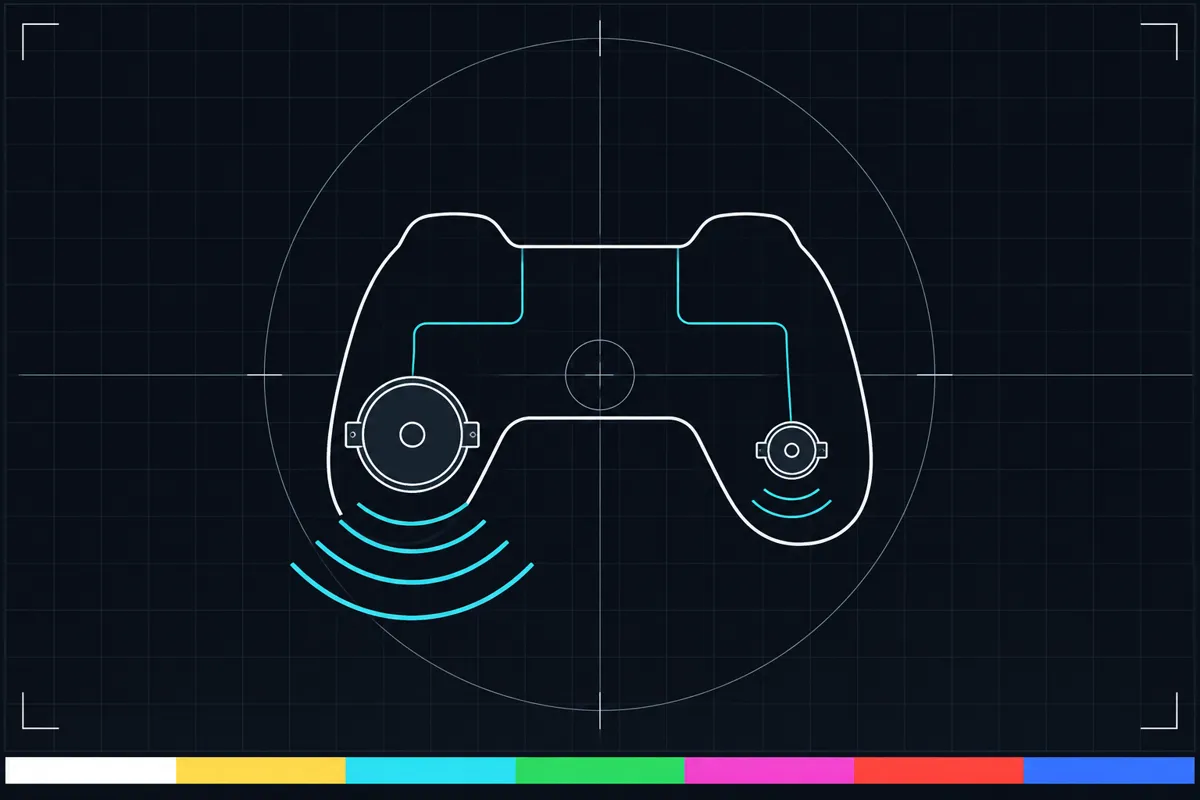
The controller vibration test sends a rumble effect to a connected controller. It can run each motor on its own, so you can tell whether one side vibrates while the other does not. Use the strength and length sliders to change how strong and how long the vibration lasts.
Some controllers also offer trigger rumble. When available, the test can activate vibration in the triggers as well. If your browser does not support a rumble feature, the page names that limitation using information for your browser.
How to read the result
A vibration you can feel means that the selected motor responded to the test. Compare the motors by running each one separately at the same slider settings. If one responds and another does not, the result points to a difference between those motors or how the controller handles rumble.
If the page offers trigger rumble, try that control and check whether the triggers vibrate. A missing trigger response may mean that trigger rumble is not offered for your controller or browser. If the page says a feature is unsupported, that message describes support in the browser, so a lack of vibration alone does not show that the controller is faulty.
The sliders control strength and length, but the page gives no pass score or numeric threshold. Judge the result by whether you feel a response from the motor or trigger you selected, and whether separate motors behave differently.
When vibration does not work
First check what the page reports about support. If the feature is unsupported, this test cannot use it in the current browser. If it is supported but no vibration occurs, or one motor stays silent while another responds, the result is not enough to identify the cause.
The page links to the controller connection guide for help with a bad result. Follow that guide for the next checks. You can also repeat the test with a different strength or length setting to see whether the response changes.
Using the controls
Connect the controller before starting a rumble effect. Select one motor at a time and adjust the strength and length sliders. This makes it easier to compare the motors without mixing their responses.
Use trigger rumble only if the page offers it for your setup. The test sends a rumble effect with separate strong and weak motor levels and a duration. It can also request trigger rumble where that feature is offered.
Browser support
| Browser | Runs |
|---|---|
| Chrome and Edge on a computer | Yes |
| Firefox on a computer | NoNo controller vibration. |
| Safari on a Mac | Yes |
| Safari on iPhone | NoNo controller vibration. Needs a paired controller. |
| Safari on iPad | NoNo controller vibration. Needs a paired controller. |
| Chrome on Android | PartlyNeeds a paired controller. |
| Samsung Internet | PartlyNeeds a paired controller. |
| Browsers inside apps | NoNot supported in this browser. |
Source: MDN browser-compat-data 8.1.8 · checked November 6, 2026
Questions
What does a controller vibration test check?
It checks whether a connected controller responds to rumble. You can test each motor separately and, where offered, check trigger rumble too.
Why does only one side of my controller vibrate?
The test runs each motor on its own, so one motor may respond while another does not. Compare them using the same strength and length settings. The result shows a difference in response but does not identify its cause.
What do the strength and length sliders do?
Strength changes the rumble level, and length changes how long the effect runs. The test does not give a numeric pass threshold, so use the controls to compare whether each motor responds.
Why does the page say rumble is unsupported?
The browser may not offer the rumble feature that the test needs. The page names unsupported browsers from its support data. That message does not by itself show whether the controller can vibrate in another setup.
Can this test check trigger rumble?
It can request trigger rumble where the feature is offered. If the option is unavailable or the triggers do not vibrate, the test cannot confirm trigger rumble for that setup.
What should I do if my controller does not vibrate?
Check the support message and compare the motors separately. The page links to the controller connection guide for a bad result. A failed response here does not explain the cause on its own.