CH 01 · Audio
Tone generator
Play a tone from 1 Hz to 22 kHz, choose its waveform, and adjust volume and balance. Enter a frequency or use the controls to start; nothing leaves your device.
Start low and turn it up slowly, above all in headphones: loud tones can harm your ears.
What this tone generator checks
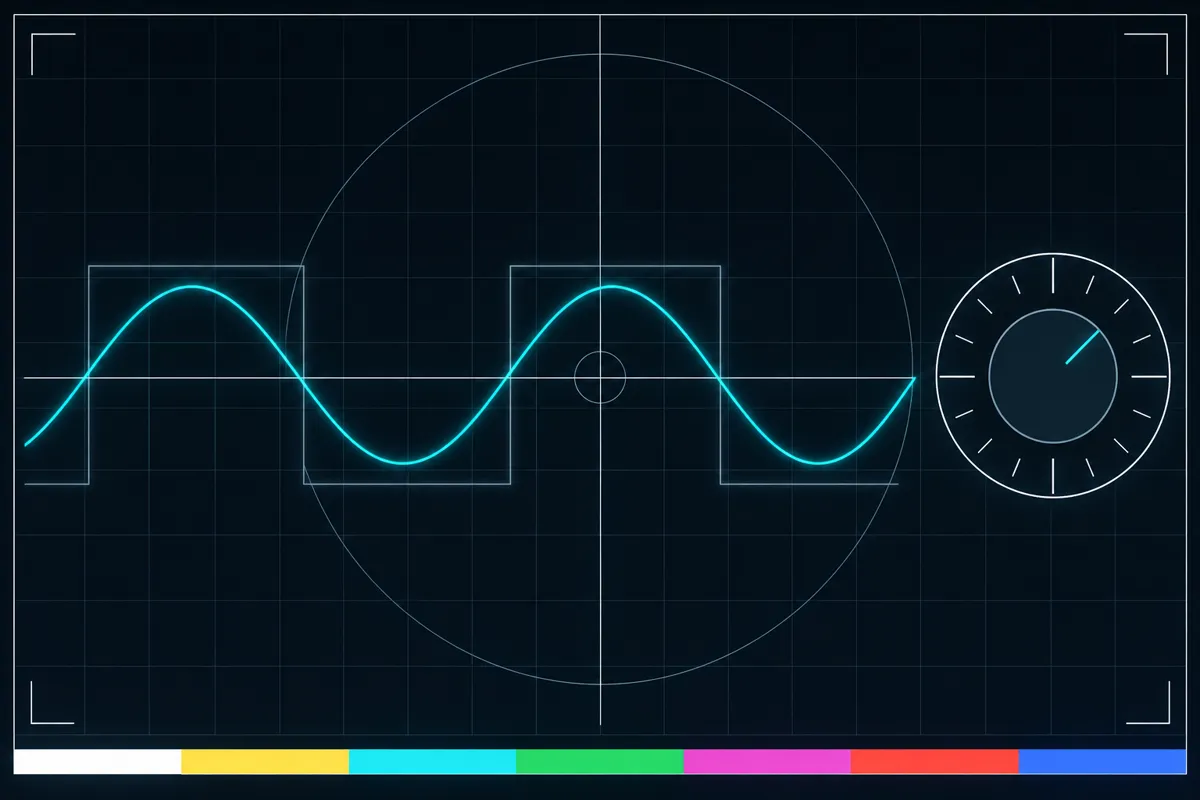
This tool plays a tone through your device so you can check how it sounds. Choose a frequency from 1 Hz to 22 kHz, then select a sine, square, triangle, or sawtooth waveform. The slider moves across the range, and you can also enter an exact frequency.
Use the volume control to change loudness and the balance control to shift sound between the left and right sides. A sweep plays a changing tone between two frequencies. You can choose a linear or log sweep, or start with a preset.
Read the tone controls
The frequency value shows the tone's current pitch setting. The slider uses a log scale, so its movement does not represent equal frequency steps. For finer control, change the frequency by ±1 Hz or ±0.1 Hz.
The waveform setting changes the shape of the tone. Sine, square, triangle, and sawtooth can sound different even at the same frequency. Volume controls loudness, while balance controls where the sound sits between the left and right sides.
During a sweep, the tone moves between the two frequency values you set. Linear and log describe how it moves through that range. The page ramps volume changes to avoid clicks, and shows a hearing-safety line beside the volume control.
When you hear no sound or an unexpected tone
If there is no sound, the tone may be too quiet, the balance may be shifted to the other side, or the selected frequency may not be audible on your setup. Check the displayed frequency, waveform, volume, and balance. A result can also depend on your device and listening equipment.
If the result is still bad, use the no-sound fix guide. It explains what to check next. This tone generator can play tones, but it does not establish that a device or listening setup is working correctly in every situation.
Keep and reopen a tone
The page address can preserve the tone settings. It can reopen the selected frequency, waveform, and volume, so you can return to that tone later or share its settings.
Fine steps let you adjust a frequency without dragging the slider. Presets offer ready-made settings, while the sweep is useful for moving through a range instead of holding one tone.
Browser support
| Browser | Runs |
|---|---|
| Chrome and Edge on a computer | Yes |
| Firefox on a computer | Yes |
| Safari on a Mac | Yes |
| Safari on iPhone | Yes |
| Safari on iPad | Yes |
| Chrome on Android | Yes |
| Samsung Internet | Yes |
| Browsers inside apps | Yes |
Source: MDN browser-compat-data 8.1.8 · checked November 6, 2026
Questions
What is a tone generator?
A tone generator plays a sound at a selected frequency. This one also lets you choose a waveform, set volume and balance, and sweep between two frequencies.
What frequency range does this tone generator cover?
It covers 1 Hz to 22 kHz. You can use the slider or enter a frequency directly, with ±1 Hz and ±0.1 Hz steps for small changes.
What do sine, square, triangle, and sawtooth mean?
They are four waveform choices for the tone. Each makes the sound's shape different, so the tones may sound different at the same frequency.
How does the frequency sweep work?
Set two frequencies and choose a linear or log sweep. The tone then moves through the range between those values.
Can I reopen the same tone later?
Yes. The page address can reopen the frequency, waveform, and volume settings. Balance and sweep settings are not listed among the saved settings.
Why can I not hear the tone?
Check the volume, balance, selected frequency, and waveform. If there is still no sound, follow the no-sound fix guide.