CH 05 · Input and sensors
GPS test
Check how your device reports its location, accuracy, altitude, speed and heading. Allow location access to start; nothing leaves your device.
Want to see what the readout looks like? Watch the test run on a simulated walk.
- Accuracy now
- –
- What that means
- –
- Time to first fix
- –
- Fixes received
- –
- Best accuracy
- –
- Speed
- –
- Heading
- –
- Altitude
- –
- Latitude
- –
- Longitude
- –
The accuracy is a radius: the browser says the true position is probably within that many metres of the dot. A phone outdoors with a clear sky usually gets down to a few metres, indoors it falls back to Wi-Fi and mobile masts and shows tens to hundreds of metres. A laptop or desktop has no GPS chip and positions itself from Wi-Fi and its network address. Browsers do not say which satellites are in view or give raw satellite data, so this page cannot show them; it can only show what the position says about itself. Speed and heading appear when you move. Your position stays on this page: it is not stored or sent anywhere.
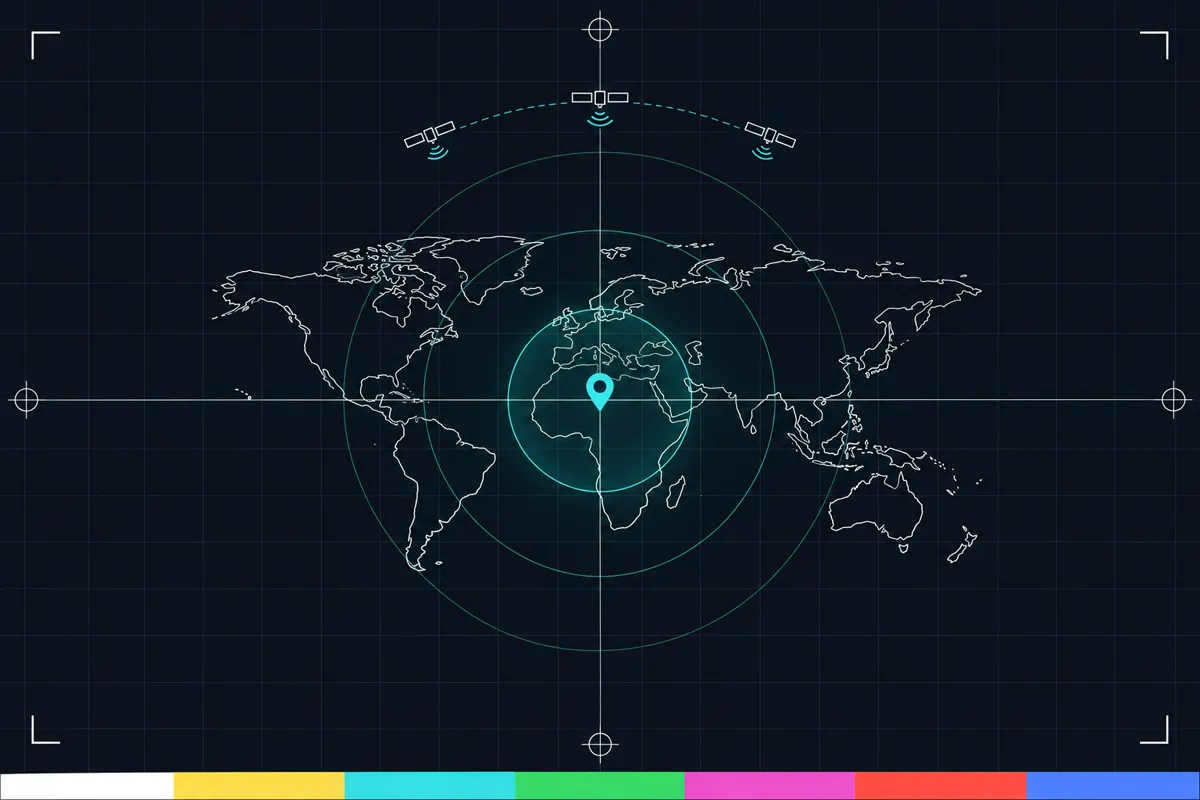
What this GPS test checks
The page asks your device for location updates and keeps checking while the test is open. It shows the reported position and how the accuracy estimate changes over time. The first location update also shows how long the device took to get a fix.
The accuracy reading is a distance in metres. It describes the area around the reported position where the device estimates your location may be. A smaller distance means a tighter estimate; a larger distance means the position is less certain. Watch the reading over time because it can change as the device gathers location information.
The page can also show altitude, speed and heading when the device provides them. These readings may be missing when the device has no value to report, especially when it is not moving. The test does not expose satellite counts or raw GNSS data, because the browser does not provide those details to the page.
What each reading means
Position is the location your device reports. The page displays the coordinates on screen so you can see whether they update. The coordinates are not stored or sent by the page.
Accuracy is shown as a circle around the position, measured in metres. Its size changes as the reported estimate changes. There is no single pass mark in this test: judge whether the position and circle are useful for what you need, and whether they become more or less steady during the test.
Time to first fix is the wait from starting the test until the first location arrives. Altitude is the height value when one is provided. Speed is how fast the device reports that you are moving, and heading is the direction of travel when available. If a reading is absent, the device may not have supplied it; that alone does not show that location is broken.
When the result looks wrong
If the position does not appear, keeps changing in a way that does not match your movement, or has a large accuracy circle, the device has not reported a location estimate that is useful for your needs. This can happen when the device has difficulty getting location information or when location access is unavailable. A slow first fix means the first update took longer to arrive, but this test gives no cutoff for deciding whether that wait is too long.
Check that location access is allowed for this page and try the test again where your device can get a clearer location reading. If the position remains missing or unsuitable, check your device’s location settings or its help information.
How the measurement works
The page asks the browser for high-accuracy location updates and reads each update as it arrives. It uses the reported accuracy distance to draw a circle around the position, then shows how that estimate changes over time. It also displays altitude, speed and heading when they are included in an update.
This test shows the location information the browser makes available. It does not read satellite counts or raw GNSS measurements, so it cannot tell you how many satellites the device sees. The readings are useful for checking the location estimate on the page, but they are not a direct view of the device’s satellite receiver.
Browser support
| Browser | Runs |
|---|---|
| Chrome and Edge on a computer | PartlyLocation comes from the network, far less exact than a phone's GPS. |
| Firefox on a computer | PartlyLocation comes from the network, far less exact than a phone's GPS. |
| Safari on a Mac | PartlyLocation comes from the network, far less exact than a phone's GPS. |
| Safari on iPhone | Yes |
| Safari on iPad | Yes |
| Chrome on Android | Yes |
| Samsung Internet | Yes |
| Browsers inside apps | Yes |
Source: MDN browser-compat-data 8.1.8 · checked November 6, 2026
Questions
Why does the GPS test need location access?
The test needs permission to receive location updates from your device. If access is denied or unavailable, the page cannot show your position or its accuracy. Allow access if you want to run the test.
What does GPS accuracy in metres mean?
It is the device’s estimate of how close the reported position may be to your actual location. The page draws it as a circle around the position. A smaller circle is a tighter estimate, while a larger one means more uncertainty.
Why is my GPS accuracy changing?
The test receives location updates and shows the accuracy estimate from each one. The estimate can change as new information arrives. Look at its pattern over time instead of relying on one reading.
Why are altitude, speed or heading missing?
The device may not provide those values in a location update. Speed and heading are most relevant while moving, and heading can be absent when there is no direction of travel to report. Missing values do not by themselves mean the location test failed.
Can this test show how many satellites my device sees?
No. The browser does not expose satellite counts or raw GNSS data to this page. The test can only show the location information the browser provides, such as position and its accuracy estimate.
Does the GPS test store or send my coordinates?
No. Coordinates appear on the page and are not stored or sent by the test. The test uses them to show your reported position and related readings while it runs.