CH 04 · Screen
Black screen test
Show a full-screen black image to check your display for backlight glow, light bleed, and OLED behavior. Set a brightness level, then inspect the screen; nothing leaves your device.
A plain black page that fills the display. Press Start in a dark room, wait a moment for your eyes, then look for glow in the corners and for lit dots. The buttons at the top lift the black in small steps to show bleed and banding.
- Backlight bleedOn an LCD, pale patches at the edges or corners of a black screen are backlight bleed or glow. A little is normal, a lot is a defect. Look from straight on, then from the side.
- Lit pixelsA pixel that stays bright on black is a hot (always lit) pixel. On an OLED, black should be truly black, with no glow at all.
- Burn-in and retentionAn OLED can keep a faint shadow of what it showed. It is hard to see on black; the OLED burn-in test uses grey fields for that.
The screen stays awake while the page is open, where your browser allows it. The timer ends the session by itself. A tap on the screen changes nothing; the arrow keys step the brightness.
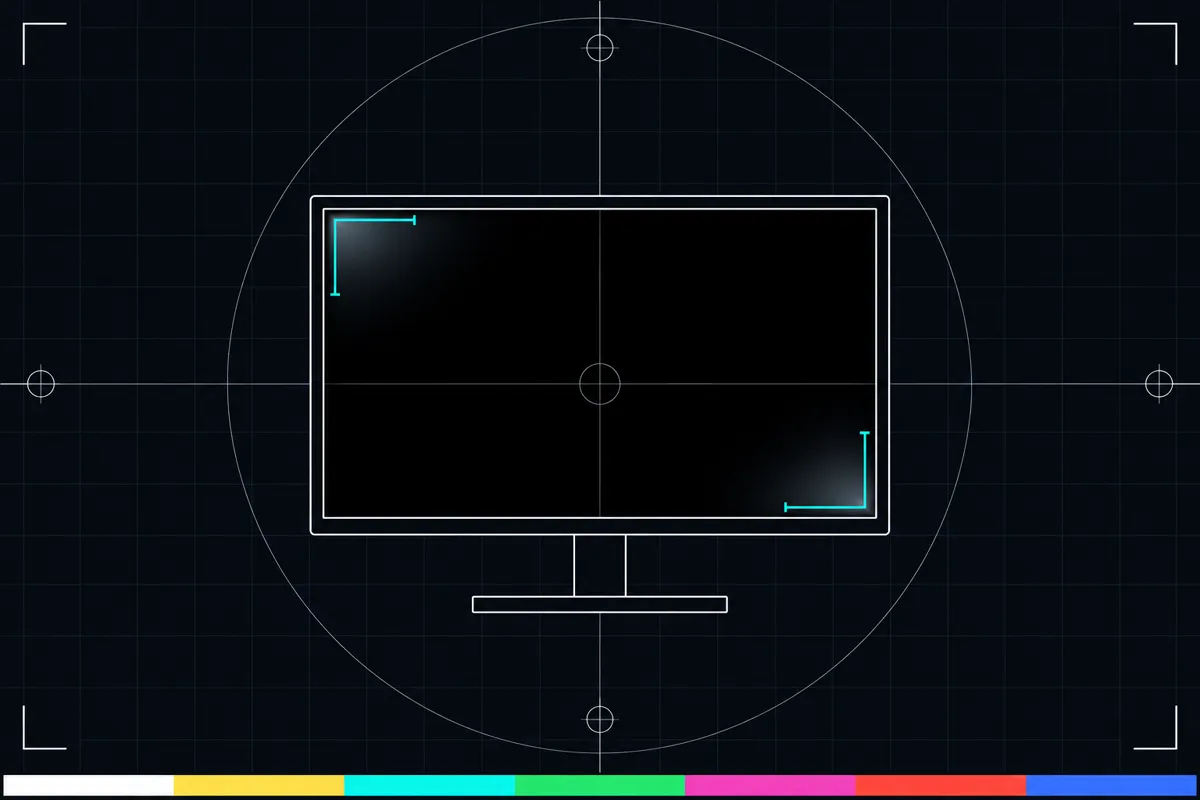
What the black screen test checks
This black screen test fills the display with black so you can look for light that remains visible. On some displays, bright patches near the edges or corners may stand out against the dark image. A faint glow can also be easier to see when the room is dim.
The test can help you inspect backlight bleed and glow, and see how an OLED screen behaves with black content. It does not measure your display with a separate sensor. You judge what you see on the screen, so the result depends on the room lighting and your viewing angle.
How to use the test
Start the test to show black across the full screen. Use the brightness steps to change the display brightness, then check the screen from your usual viewing position. A dim room can make small areas of light easier to notice.
The page includes a timer and a wake lock to keep the test running while you inspect the screen. Look across the whole display, including its edges and corners. If you see a bright area, check whether it stays in the same place as you change brightness.
Read the screen
The main reading is the black screen itself. It gives you a dark background for visual inspection; it does not produce a score or label the display as good or bad.
Brightness steps change how bright the display is while the test runs. If a glow or bright patch is visible, compare it at different brightness levels and note where it appears. The timer shows the test's time, while the wake lock helps prevent the screen from sleeping during the check.
When you see glow or light bleed
A visible glow or bright patch may come from the display's backlight or from how the panel shows black. A phone screen can also look different as you move it or change the room lighting, so check it from your normal viewing angle before drawing a conclusion.
If the result concerns you, repeat the visual check at a few brightness steps and compare the same areas of the screen. If the patch remains visible during normal use, check your device maker's support information or ask a repair service to inspect the display.
Browser support
| Browser | Runs |
|---|---|
| Chrome and Edge on a computer | Yes |
| Firefox on a computer | Yes |
| Safari on a Mac | Yes |
| Safari on iPhone | PartlyNo full screen on iPhone: the test fills the window instead. |
| Safari on iPad | Yes |
| Chrome on Android | Yes |
| Samsung Internet | Yes |
| Browsers inside apps | Yes |
Source: MDN browser-compat-data 8.1.8 · checked November 6, 2026
Questions
What is a black screen test?
It shows black across the full display so you can look for light that remains visible. It is a visual check for backlight glow, bleed, and OLED behavior, not a scored measurement.
How do I test my screen for backlight bleed?
Run the full-screen black test and inspect the edges and corners in a dim room. Change the brightness using the page's steps and see whether bright areas remain visible.
Why can I see light on a black screen?
A glow or bright patch may come from the display's backlight or from how its panel shows black. Viewing angle and room lighting can affect what you notice, so check from your usual position.
Does a black screen test tell me if my screen is faulty?
No. The test shows the screen for you to inspect, and it does not provide a pass or fail result. If a bright area is clear during normal use, consult device support or a repair service.
Is this a hearing or eye test?
No. It only displays black for a visual check of the screen. It does not assess hearing or health.
Why does the test have brightness steps and a timer?
Brightness steps let you inspect the black screen at different display brightness levels. The timer shows the test time, and a wake lock helps keep the display awake while you look.