CH 01 · Audio
Surround Sound Test
Check whether this page can output 5.1 or 7.1 surround sound. Start the test to hear a voice-free signal for each named channel; nothing leaves your device.
Start low and turn it up slowly, above all in headphones: loud tones can harm your ears.
Layout · 5.1
Channels follow the Web Audio order for 5.1 and the Windows order for 7.1. If a name plays from another speaker, your system orders the channels differently or the cables are swapped.
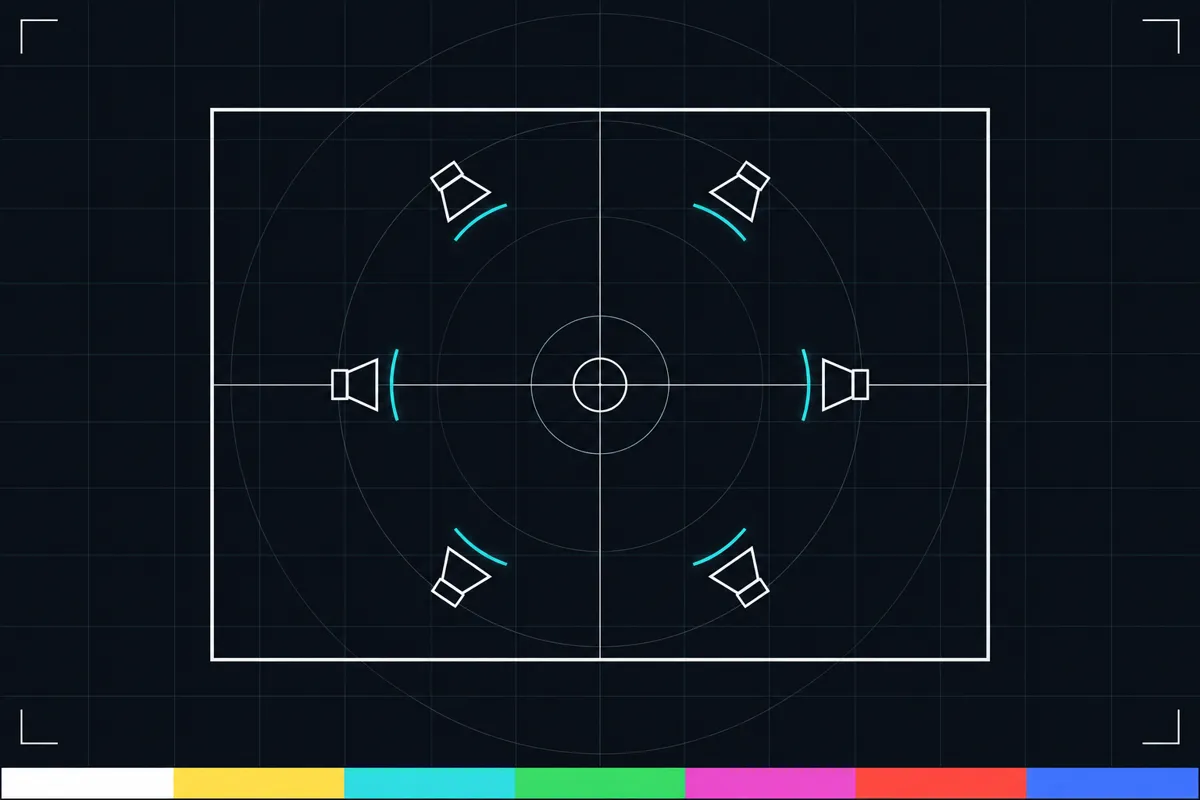
What this test checks
The test checks how many audio output channels the browser reports to this page. It can report six channels or eight channels, which the page presents as channel-by-channel tests. If the browser reports neither of those counts, the page says it sees only stereo here.
For a six- or eight-channel result, the page sends a separate, voice-free signal through each channel and names the channel being tested. Listen for the signal as each name appears. This checks what the page can send through the selected output, not whether every speaker is set up correctly in your room.
What each result means
A 5.1 setup has six channels, and a 7.1 setup has eight. When the page reports six or eight channels, it plays a signal for each channel by name. Use the names to follow which channel should be active at each point in the test.
If the page says the browser sees only stereo, this page cannot run its named six- or eight-channel output test in the current setup. That message does not tell you why the browser reports stereo. It may reflect the output available to the browser, but the page does not identify a specific cause.
A missing or misplaced signal means the channel test did not match what you expected to hear. The result alone cannot show whether the cause is a device setting, connection, output choice, or speaker.
When a channel does not sound right
If there is no sound or a channel is missing, use the no-sound fix guide. The guide is linked from this page and provides the next steps for a sound problem.
If you hear signals but their positions seem wrong, check the output selection and the channel setup for your device, then run the test again. The test reports what the browser can send; it does not confirm that speakers are physically placed or wired as intended.
What this test cannot tell you
This is an output-channel check, not a hearing test. It does not assess hearing or say whether your speakers sound good overall.
A six- or eight-channel report describes the channel count available to this page. It does not by itself confirm that each channel reaches the intended speaker. Listen to the named signals and compare them with your setup.
Browser support
| Browser | Runs |
|---|---|
| Chrome and Edge on a computer | Yes |
| Firefox on a computer | Yes |
| Safari on a Mac | Yes |
| Safari on iPhone | PartlyPhones play stereo only. |
| Safari on iPad | PartlyPhones play stereo only. |
| Chrome on Android | PartlyPhones play stereo only. |
| Samsung Internet | PartlyPhones play stereo only. |
| Browsers inside apps | Yes |
Source: MDN browser-compat-data 8.1.8 · checked November 6, 2026
Questions
How do I test 5.1 surround sound?
Start the test and listen as the page plays a voice-free signal for each channel by name. A six-channel report corresponds to 5.1 output here. If the page reports only stereo, it cannot run this named channel test in the current setup.
How do I test 7.1 surround sound?
Start the test and follow the named signals for all reported channels. An eight-channel report corresponds to 7.1 output here. The page checks the channels it can send, but does not verify speaker placement.
Why does the test say the browser sees only stereo?
It means the browser reports stereo output to this page instead of six or eight channels. The message does not identify why. Check the output setup for your device, then try the test again.
Why can I not hear one of the named channels?
The page sends a separate signal for each channel, so a missing signal means that channel did not sound as expected in this test. The result cannot identify whether the cause is a setting, connection, selected output, or speaker. Use the linked the no-sound fix guide.
Does this test check my hearing?
No. It checks audio output channels available to the page. It does not assess hearing or provide health information.
Does a six- or eight-channel result prove my surround sound works?
It shows that the browser reports six or eight channels and lets the page send a named signal through each one. It does not confirm that every signal reaches the intended physical speaker or that the full setup is correct.